Takeda VB KAM
- Client
- Takeda
- Industry
- Healthcare, enterprise learning
- Year
- 2019
- Role
- UI designer. High fidelity design, specs and implementation review
The problem001
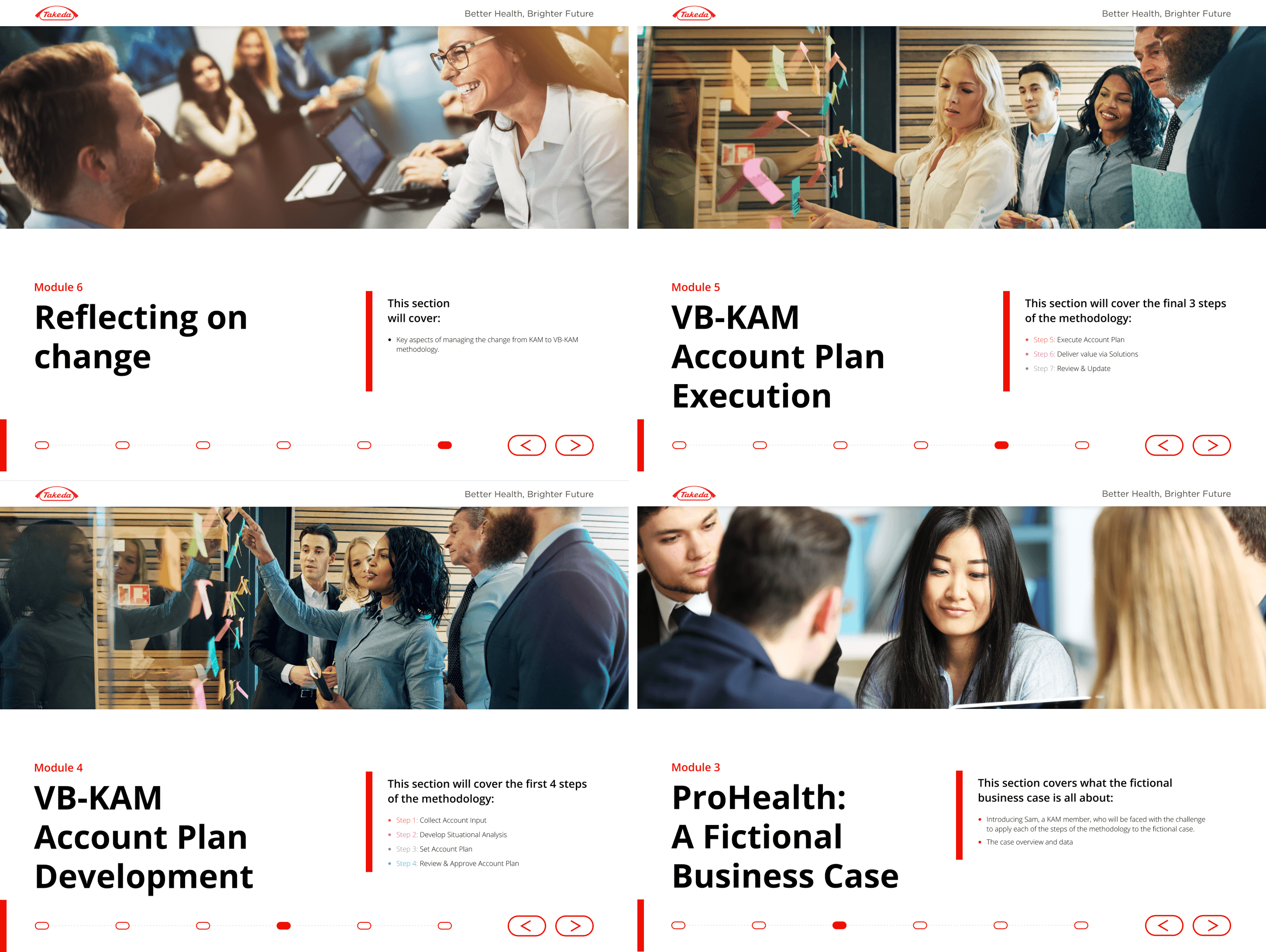
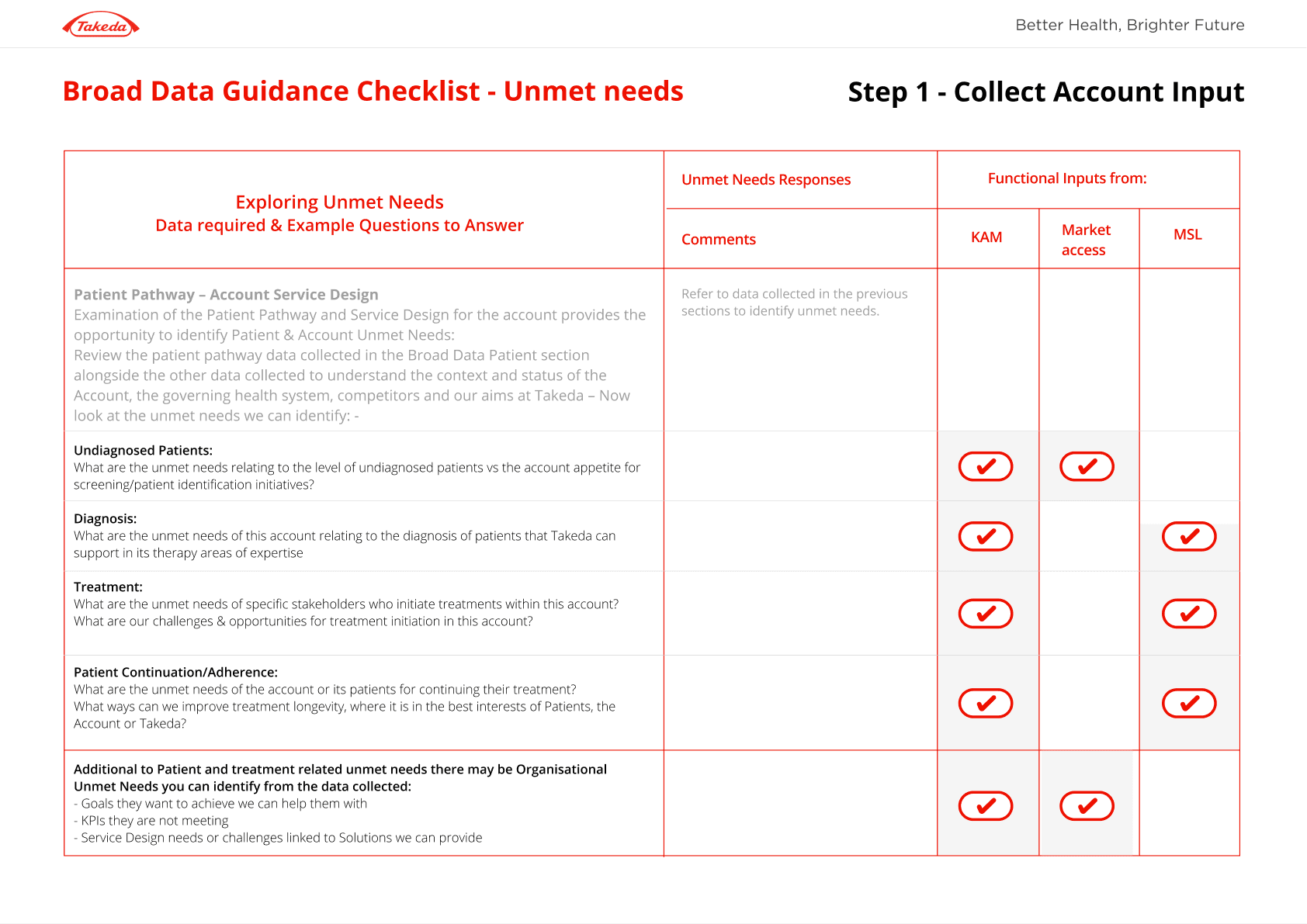
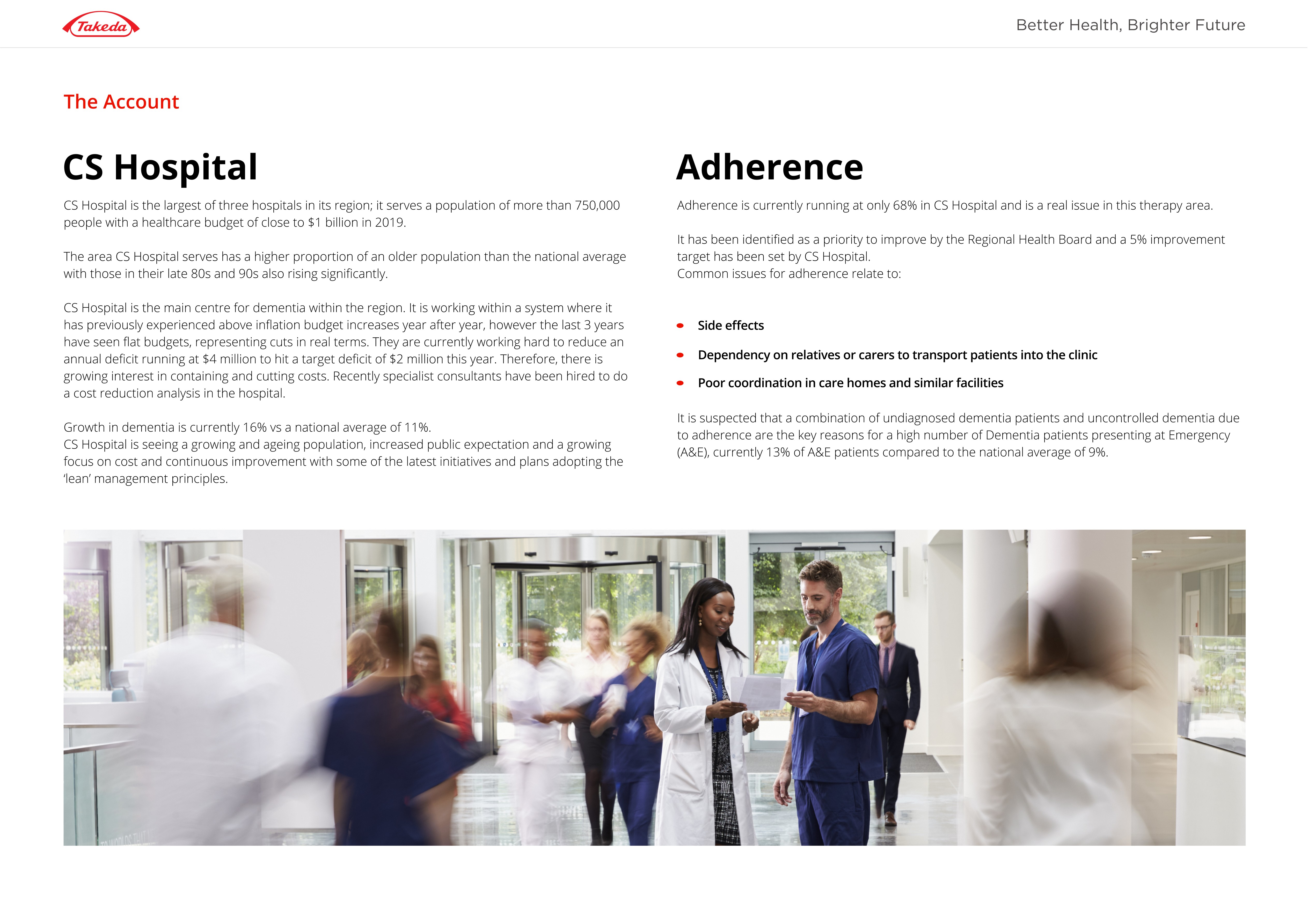
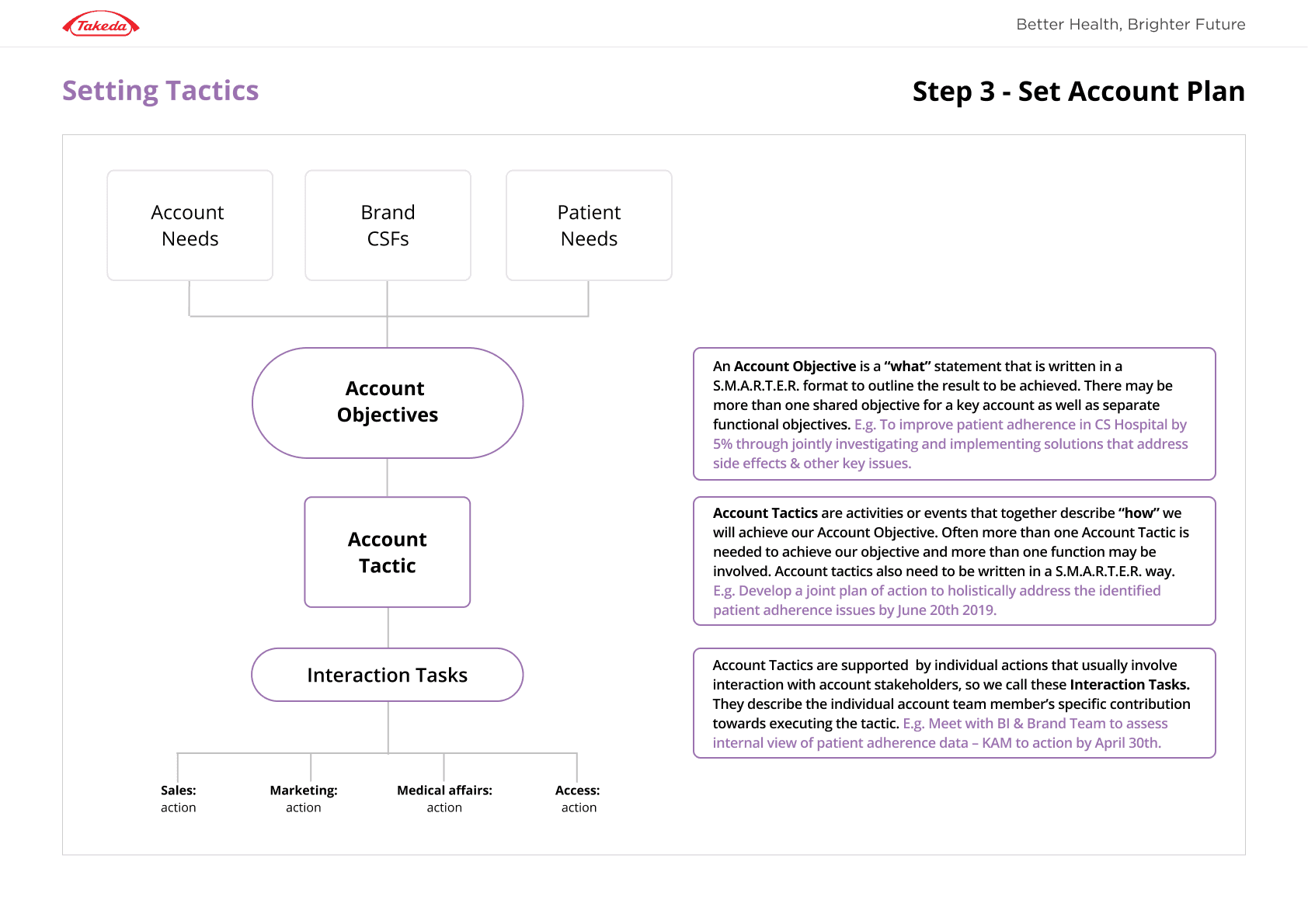
The training content was dense and wide ranging, and it had to fit inside Takeda’s strict design system without losing clarity.
Why it was hard002
01
The system was fixed.
Typography, colour, spacing and components were all predefined. I couldn’t invent my way out of a problem.
02
The content wasn’t built for those components.
The design system was made for general products, not long learning modules with lots of structure.
03
Handoff had to be exact.
Anything ambiguous would be built wrong, and fixing it later was expensive.
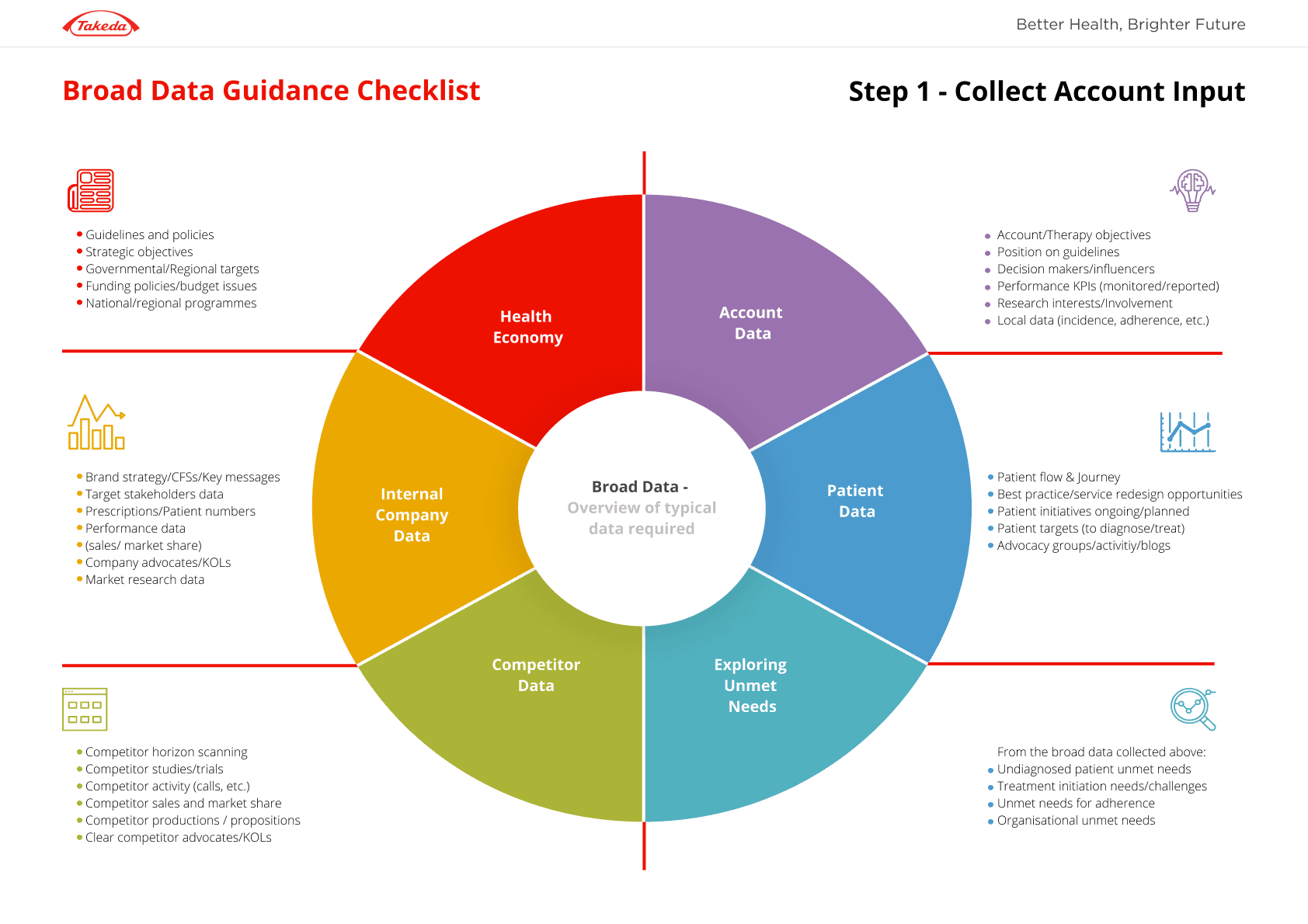
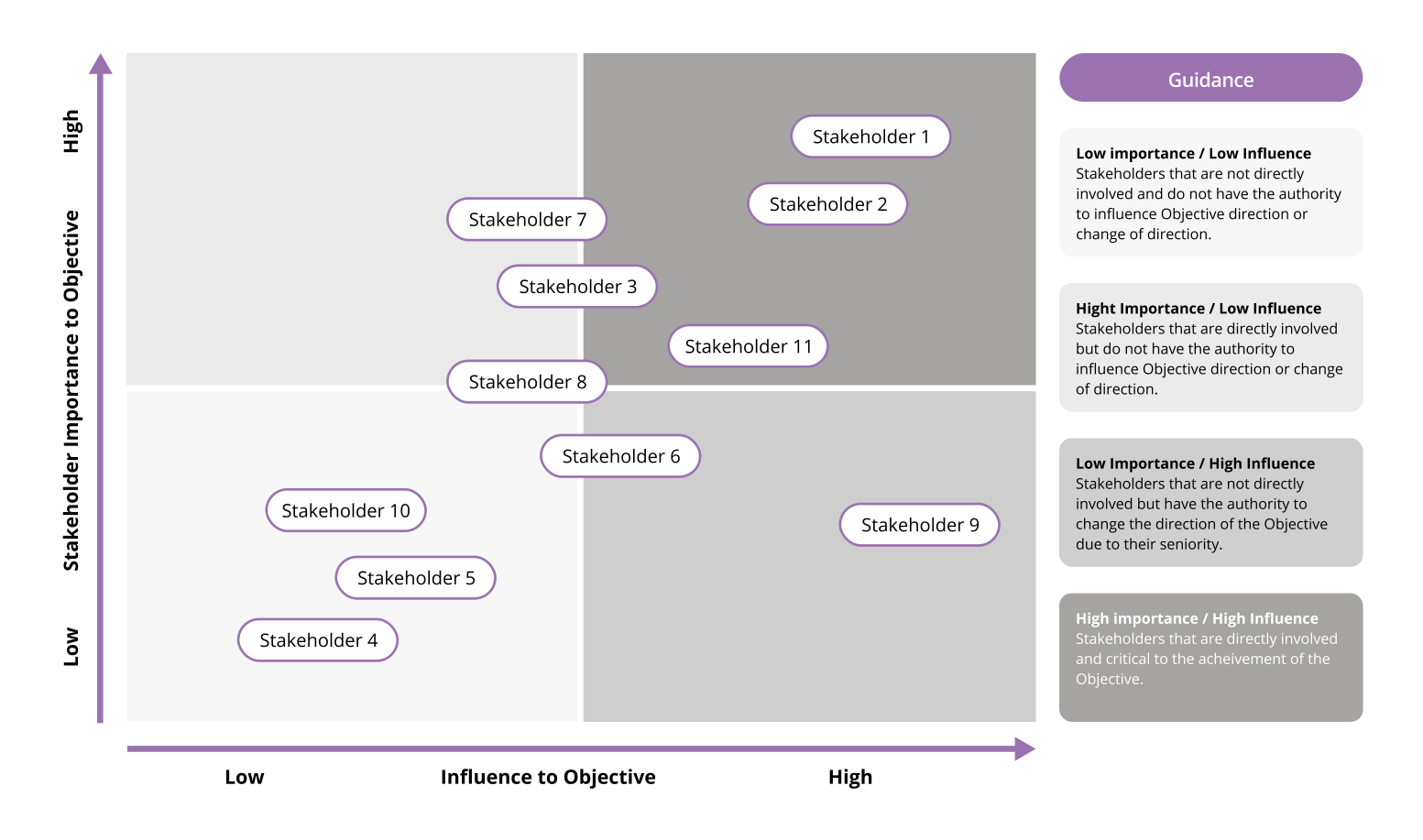
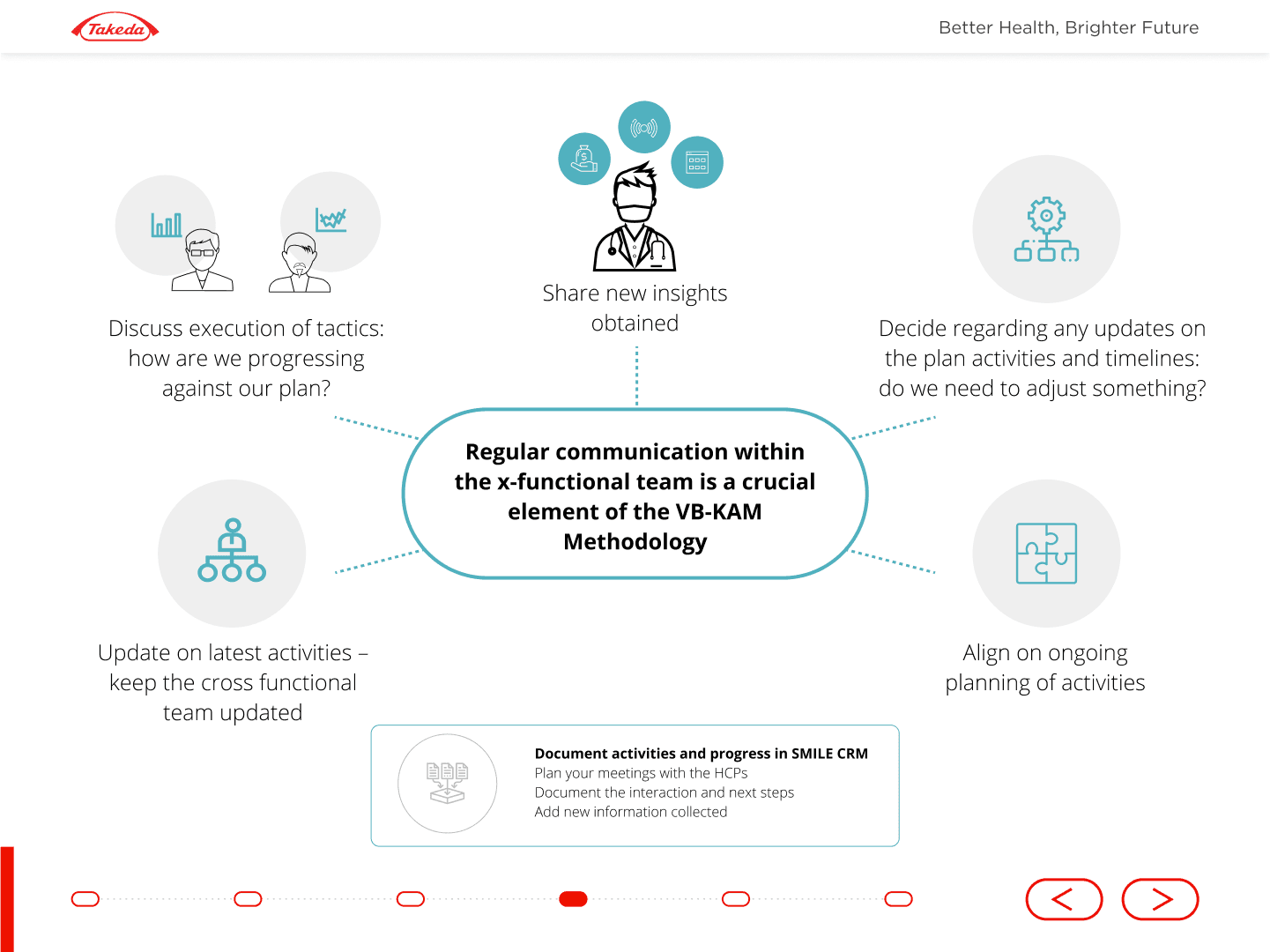
So the job wasn’t to make it look new. It was to make complex content clear using only the parts I was given.
What I decided, and why003
01
Designed the whole platform as a system, not screen by screen.
Learning modules repeat, so solving the pattern once kept every module consistent.
02
Adapted existing components instead of creating new ones.
It kept the platform compliant and meant engineers were building with parts they already knew.
03
Used hierarchy to do the heavy lifting.
Clear headings, structure and navigation made long content scannable without breaking brand rules.
04
Wrote detailed specs and reviewed the build.
I checked the implementation against the designs, so problems were caught before release, not after.
The result004
The platform shipped consistent with Takeda’s design system across every module, and it was built with minimal rework.
What I’d do differently005
I joined after the wireframes were done. Next time I’d push to get involved earlier and test the learning flow with real account managers, because good visual design can’t fully fix a structure nobody has tested.
Explore projects